

About the App
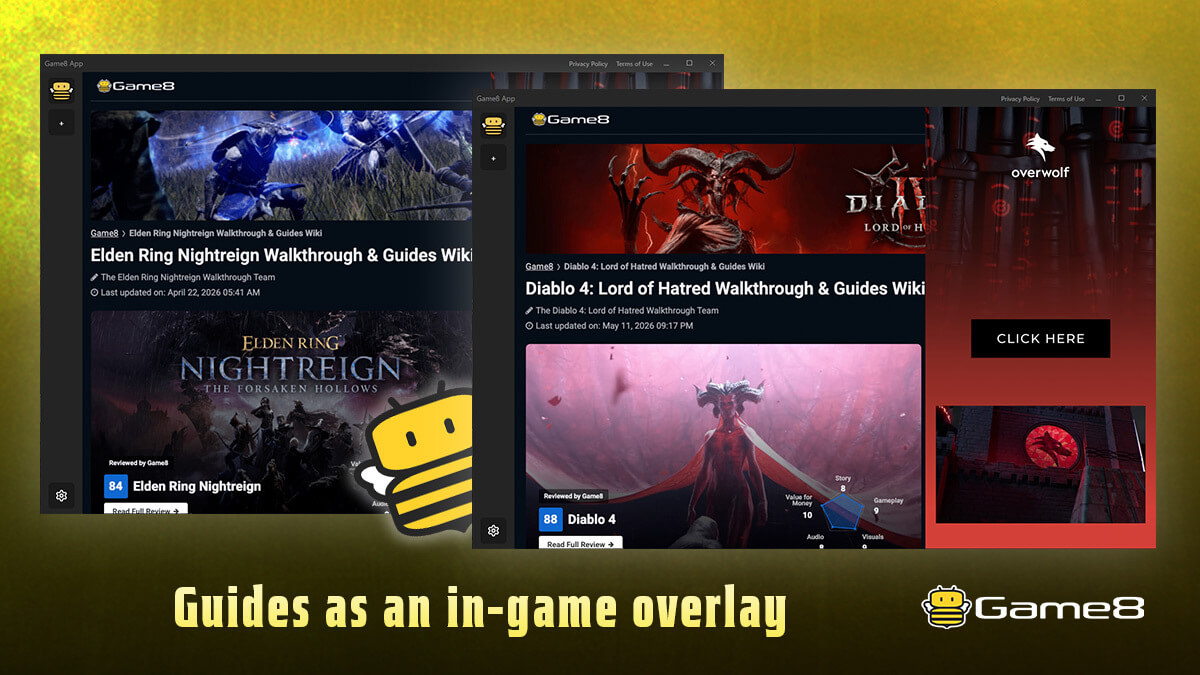
Stop alt-tabbing for guides. Game8 App puts Game8's trusted strategy guides as an in-game overlay, so you can read build guides and boss strategies without ever leaving your game.
The app automatically detects what you're doing — your character class, your situation — and shows the matching Game8 guide in real time. Toggle it on and off instantly with a hotkey, drag it anywhere, and resize it to fit your screen.
Supported games
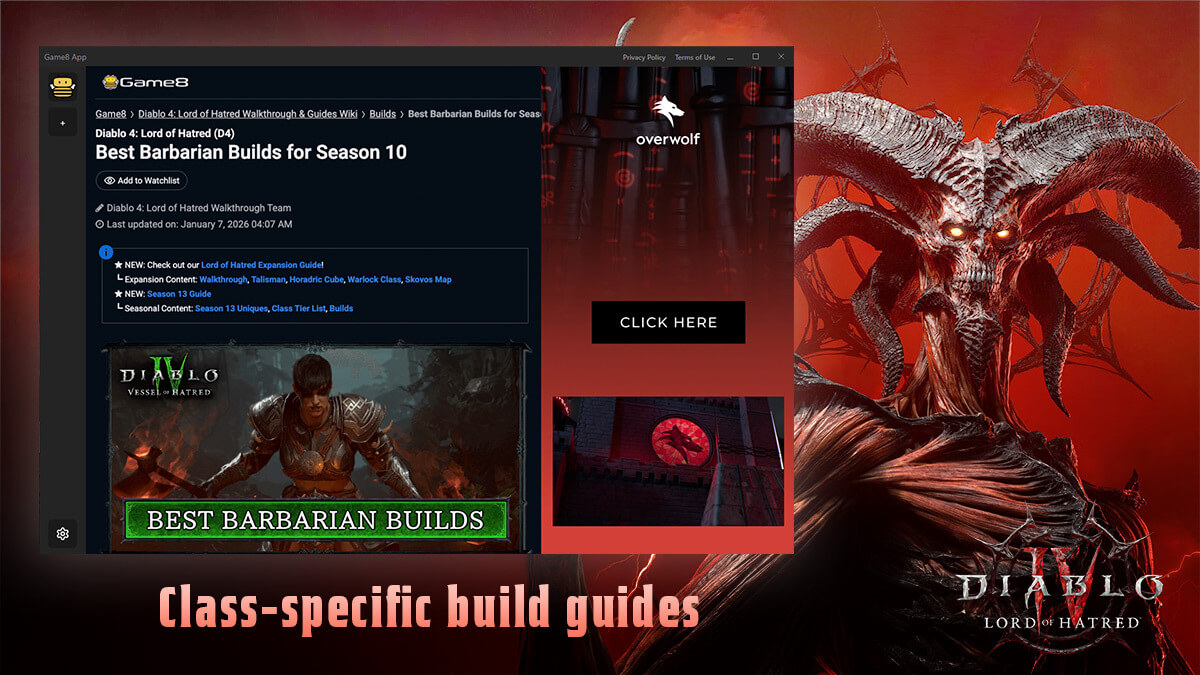
- Diablo 4 — Class-specific build guides. The app detects your class the moment you enter the game and loads the right guide: Barbarian, Druid, Necromancer, Rogue, Sorcerer, Spiritborn, and Paladin.
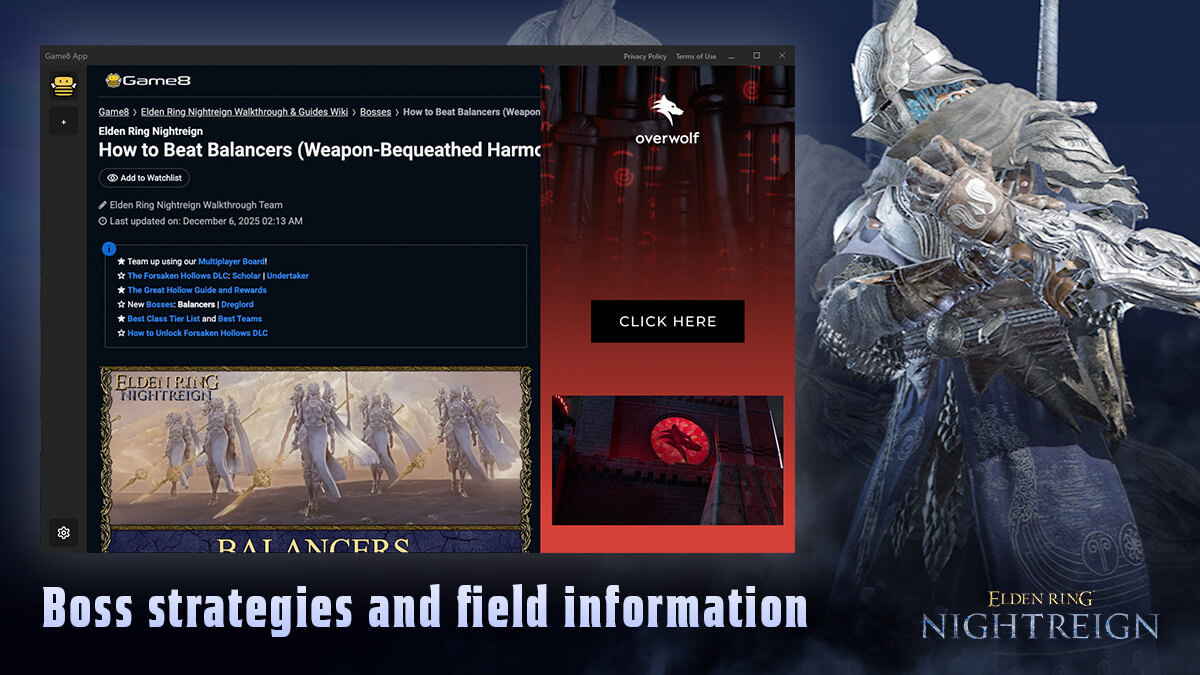
- Elden Ring Nightreign — Boss strategies and field information, surfaced based on in-game events such as encountering field bosses.
Key features
- Real-time guide matching — Automatically shows the right Game8 guide as your class or situation changes. No searching, no tab-switching.
- In-game overlay — A clean, lightweight window that sits on top of your game. Read while you play.
- Instant toggle — Show or hide the overlay with
Ctrl+F(customizable). - Move & resize freely — Drag the header to reposition, resize to taste. Your window position and size are remembered between sessions.
- Safe external links — Links open in your default browser after a quick confirmation, so you never lose your place.
How to use
- Launch Diablo 4 or Elden Ring Nightreign — the app starts automatically.
- Press
Ctrl+Fin-game to open the overlay. - Enter the game with your character — the matching Game8 guide loads on its own.
- Press
Ctrl+Fagain any time to hide it.
Powered by Game8 — one of the most trusted names in game strategy guides.
App Info
 Overwolf Client (459.1KB)
- 2026.6.3.821
- Jun 3rd, 2026
 In-App Ads