

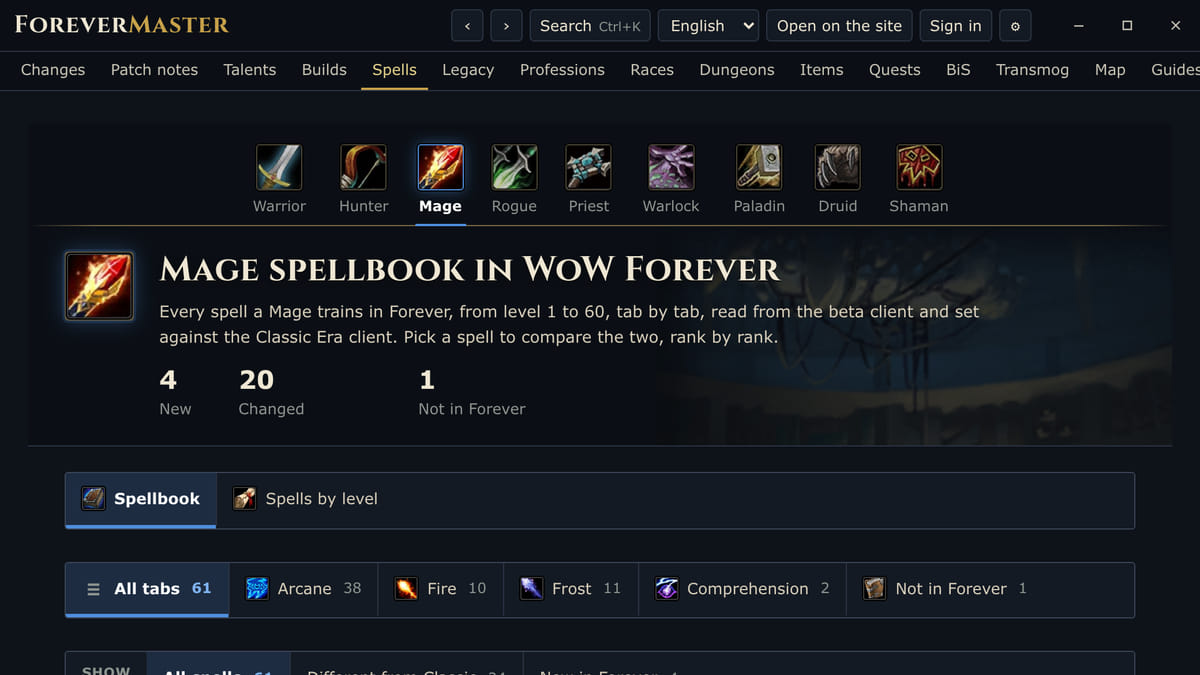
About the App
ForeverMaster puts foreverchanges.pro in a window beside World of Warcraft: Forever. It shows everything the game changes from Classic and with each patch, and gives you the tools to plan your character.
Plan your character
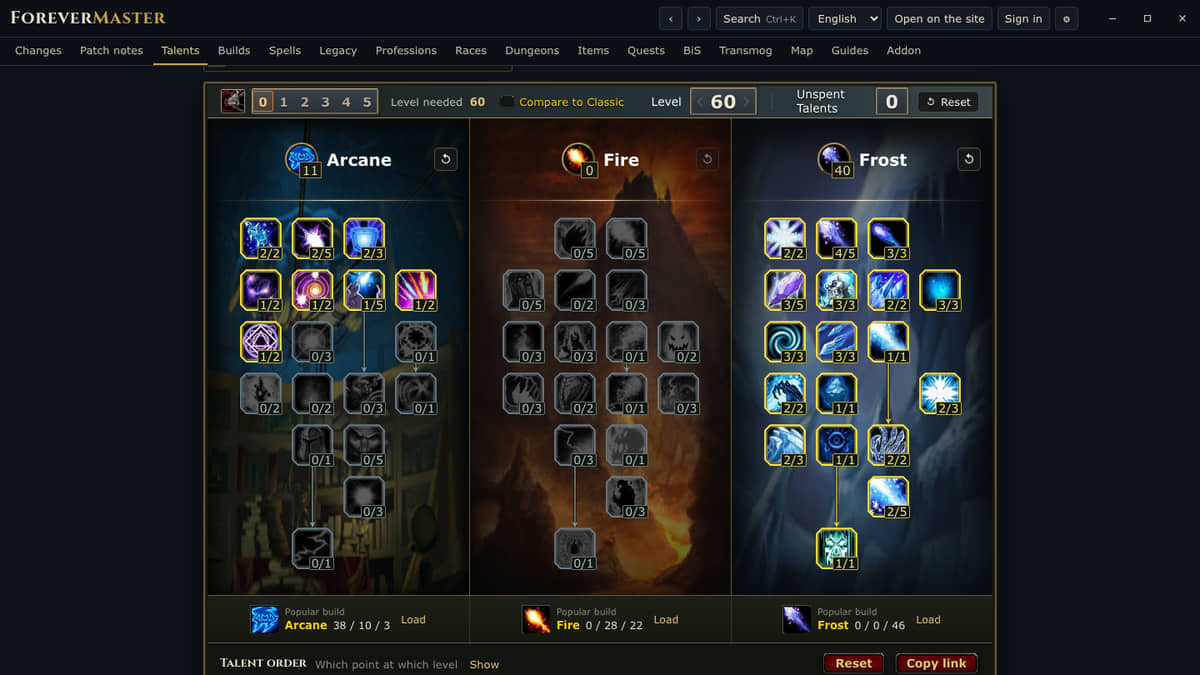
- Talent calculator for all nine classes, with popular builds and the order to spend points level by level
- Build planner: race, gear, talents and spells together, with a link to share
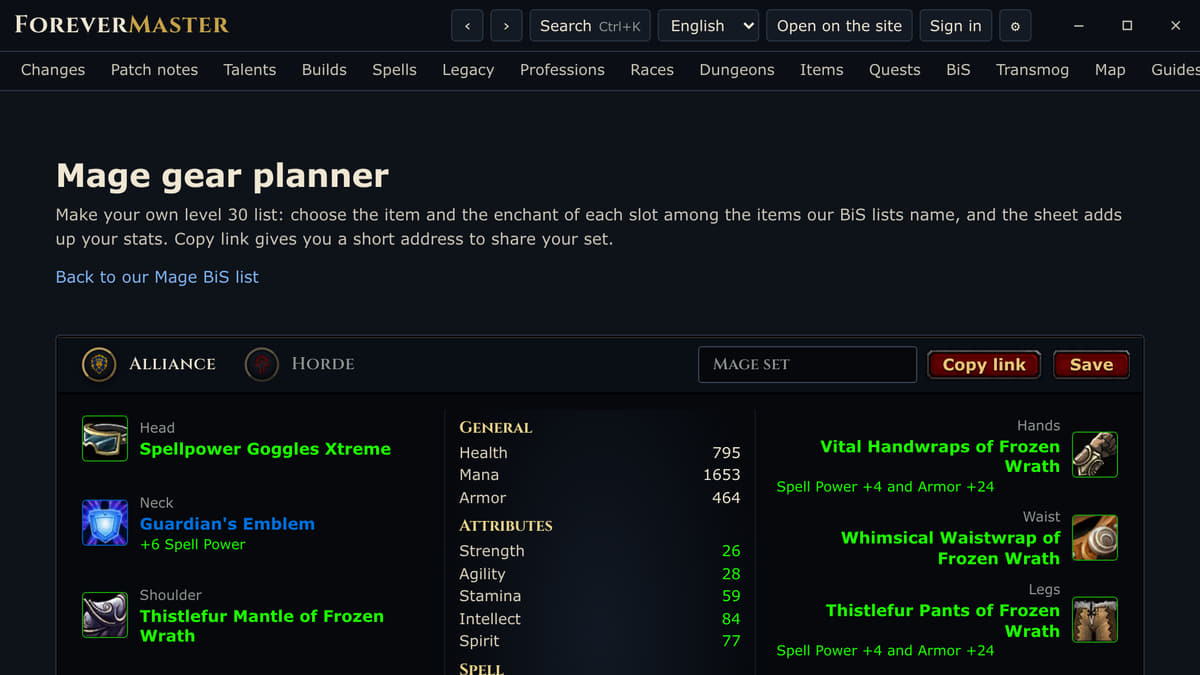
- Gear planner with the items from our BiS lists and the stats they add up to
- Legacy perk planner
Look things up
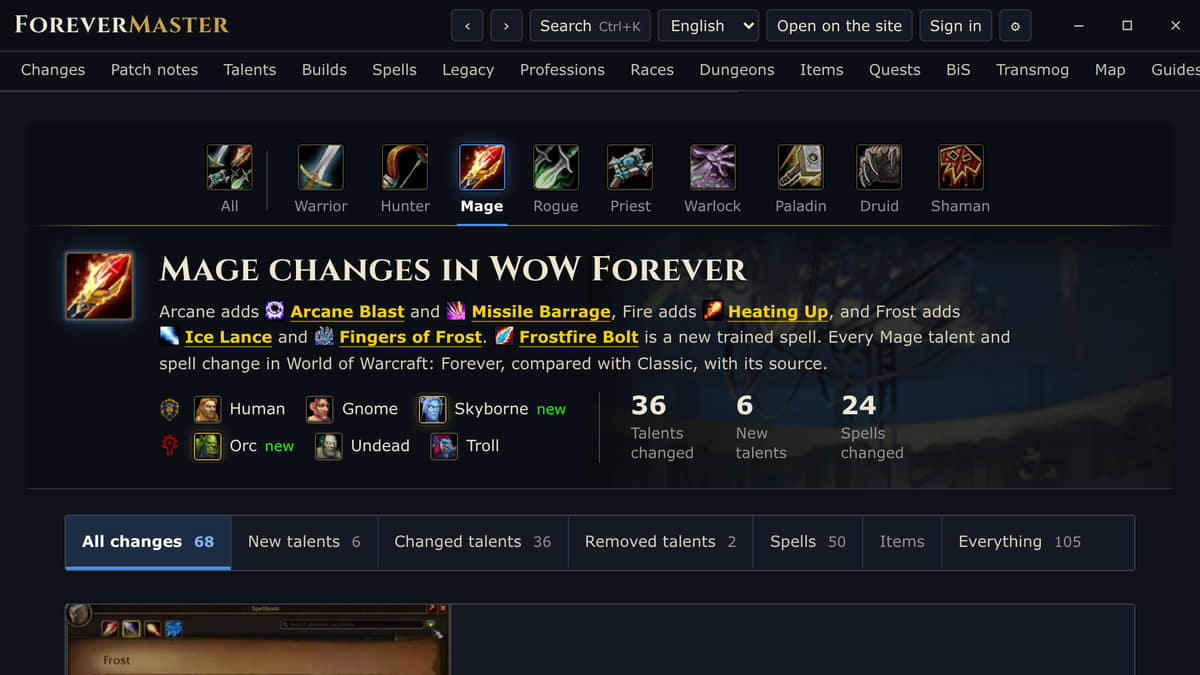
- Every class's spellbook, tab by tab and by level, with what changed from Classic
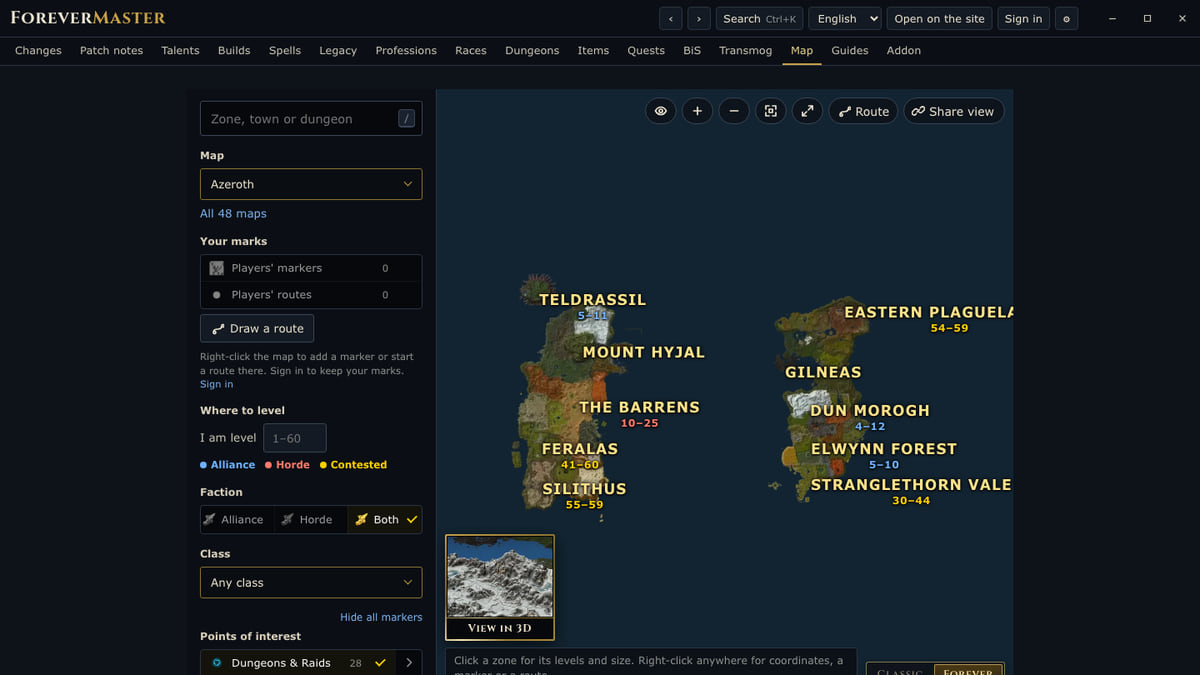
- The world map in 2D and 3D, with zone levels, dungeons, markers and routes
- Items, quests, dungeons, professions, racials, guides and a transmog viewer
- The patch notes as they come in
In game
- Ctrl+Shift+F shows the app over the game
- Ctrl+Shift+S searches any spell, talent, item, zone or dungeon
- Ctrl+Shift+1 shows the server status, Ctrl+Shift+2 the latest patch notes
You can change the hotkeys in Overwolf's settings.
Forever Master addon If you play with the Forever Master addon, the app sends what it records to foreverchanges.pro, as the desktop companion does. You can pause the uploads in the app's settings.
Available in English, French, German, Spanish, Traditional Chinese, Simplified Chinese and Russian.
App Info
 Overwolf Client (1.1MB)
- 0.1.8
- Nov 9th, 2026
 In-App Ads